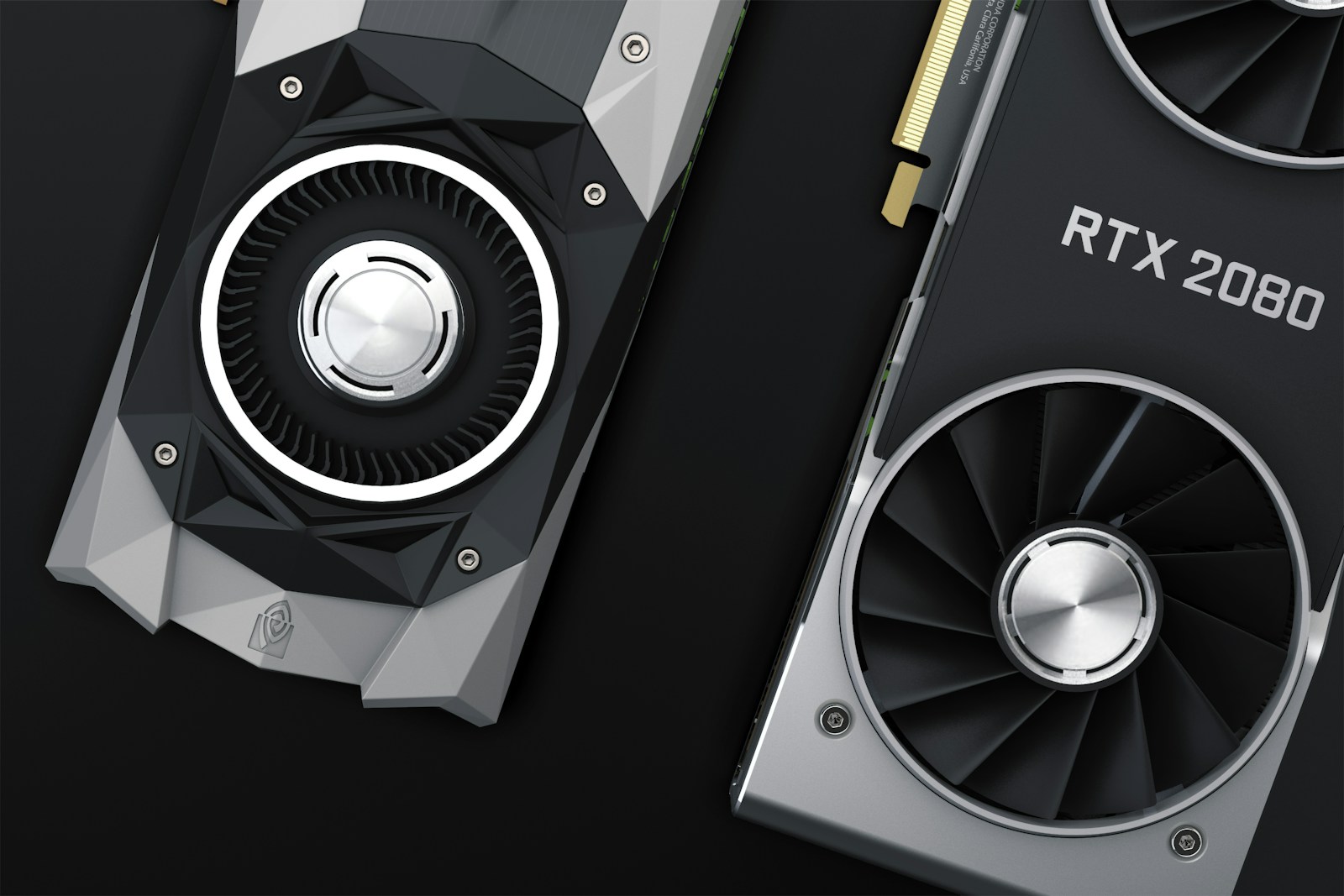
Both cards land in your search results when you look for "high-memory GPU for AI training" — and on first glance they look interchangeable. They aren't. Here's the honest comparison I keep pulling up when teams ask me which one to rent.

TL;DR
- A100 — the proven workhorse. Every PyTorch tutorial, every research paper, every framework integration was tuned for it first.
- RTX PRO 6000 — newer Ada-generation silicon. Better single-card throughput, more recent driver support, and the cheaper of the two.
- Pricing: A100 currently rents at roughly 10% more per hour on most marketplaces. Seems small — matters a lot once you multiply by training duration.
What you're actually comparing
| Spec | A100 80GB | RTX PRO 6000 |
|---|---|---|
| Architecture | Ampere (2020) | Ada Lovelace (2024) |
| Memory | 80 GB HBM2e | 48 GB GDDR6 ECC |
| FP32 TFLOPS | 19.5 | 91.1 |
| Tensor TFLOPS (FP16) | 312 | 364 |
| Tensor TFLOPS (FP8) | — | 1457 |
| Memory bandwidth | 2 TB/s | 768 GB/s |
| Form factor | SXM4 / PCIe | PCIe |
| TDP | 400 W | 300 W |
Two patterns jump out:
- A100 wins on memory. 80 GB and twice the bandwidth means you can fit larger models per card and feed the tensor cores faster on memory-bound workloads.
- RTX PRO 6000 wins on raw compute. Ada's FP8 support and the higher tensor throughput crush the A100 on inference-style workloads that fit in 48 GB.
When the A100 still makes sense
Pick A100 if:
- You're training large transformer models that genuinely need the 80 GB memory pool.
- Your workload is memory-bandwidth-bound — long-context attention, big batches, scientific compute.
- You need NVLink for multi-GPU training (SXM4 form factor).
- You're following a paper or repo that explicitly targets A100 hardware.
When the RTX PRO 6000 wins
Pick RTX PRO 6000 if:
- Your model fits comfortably in 48 GB.
- You're doing inference, fine-tuning, or training mid-sized models (7B–13B).
- You want FP8 throughput for Llama-3 / Mixtral / Gemma deployment.
- You care about wall-clock training time on a fixed budget.
For most production inference workloads outside frontier-scale LLMs, the RTX PRO 6000 delivers more compute per dollar — and per kWh.
About that 10% price gap
The A100 is the "safer" option because every framework treats it as a tier-one target. Every CUDA library, every PyTorch release, every TensorRT model has battle-tested A100 paths. That maturity has a cost: even though the RTX PRO 6000 is newer and faster at raw compute, A100 demand keeps its hourly rate roughly 10% higher across most marketplaces.
If your workload doesn't need A100-specific features (NVLink, 80 GB HBM), you're paying a 10% premium for legacy compatibility.
How to actually pick
Don't optimize from a spec sheet. Rent both for about an hour each, run your real training loop, and compare three numbers:
- Tokens per second at your real batch size.
- Peak VRAM used — if you're below 48 GB, RTX PRO 6000 is the clear answer.
- Wall-clock to convergence on a 30-minute toy run.
$ nvidia-smi --query-gpu=name,memory.used,utilization.gpu --format=csv
name, memory.used [MiB], utilization.gpu [%]
NVIDIA RTX PRO 6000, 31204 MiB, 96 %
That's the only data that matters.
Quick answer: if you need ≤ 48 GB → RTX PRO 6000. If you need
48 GB or NVLink → A100. The 10% gap is real but rarely the deciding factor.
Want cheap GPUs for your next project?
Browse live GPU prices and rent the right card in seconds — H100, A100, RTX 4090, and 50+ more models.