Drafted with AI tools and edited by a human. The figures and conclusions were checked by a GPUniq editor.
TL;DR
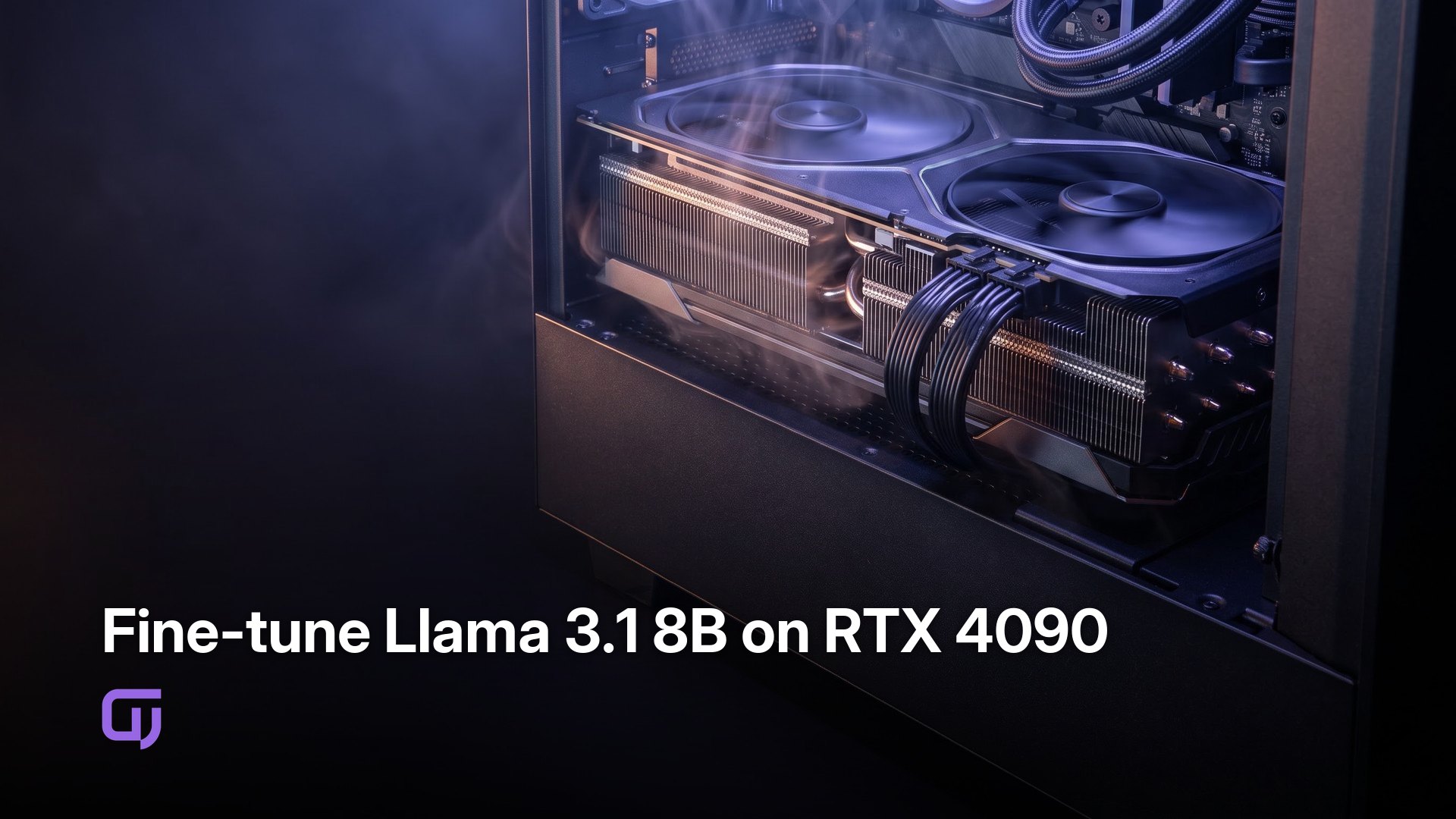
Fine-tuning Llama 3.1 8B with LoRA on a rented RTX 4090 costs $0.61/hour and uses 21.4 GB of the card's 24 GB VRAM (89.3% use). A 10k-sample dataset finishes in roughly 2 hours. Total spend for a 3-epoch run lands around $1.22 to $1.55, including data transfer.
Why LoRA over full fine-tuning?
Hu et al. (2021) introduced LoRA as a way to inject trainable low-rank matrices into attention layers while freezing everything else. For Llama 3.1 8B, that drops the trainable parameter count from 8.03 billion to roughly 8 million - 0.1% of the original.
The practical effect is a 10-15x VRAM reduction. Full fine-tuning on a 24 GB card requires gradient checkpointing just to avoid OOM, which hurts throughput. LoRA fits without it.
For domain adaptation, r=8 and alpha=16 is the standard starting point. Higher rank (r=16 or r=32) adds expressive capacity and VRAM. For most tasks r=8 is enough, and catastrophic forgetting isn't a real concern at that scale.
VRAM and batch size requirements
The base Llama 3.1 8B model loaded in 8-bit takes roughly 16 GB, per the Meta Llama 3.1 model card. Add LoRA adapter states plus optimizer states and you land at about 21.4 GB total. On a 24 GB RTX 4090 that's 89.3% use. Tight, but stable.
| Configuration | VRAM Used, GB | Use, % | Batch Size |
|---|---|---|---|
| Full fine-tune, fp16 | 24+ | OOM | N/A |
| LoRA, 8-bit base | 21.4 | 89.3 | 4-8 |
| LoRA, 4-bit base | 14.2 | 59.2 | 8-16 |
| A100 40GB, LoRA 8-bit | 21.4 | 53.5 | 8-16 |
Start with per_device_train_batch_size=4. That's the safe default on a 24 GB card with 8-bit loading. Switching to 4-bit via bitsandbytes lets you push to 8 without issues.
The RTX 4090 is the practical minimum for this model. An A100 40 GB gives headroom but costs 3-5x more per hour on most platforms.
LoRA config setup
Install the stack:
pip install torch transformers peft datasets accelerate bitsandbytes
Verify CUDA:
python -c "import torch; print(torch.cuda.is_available())"
Load the model in 8-bit, then wrap it with a LoRA config. Per the Hugging Face PEFT docs, LoRA adapters stay in float32 even when the base model is quantized.
from transformers import AutoModelForCausalLM, AutoTokenizer, BitsAndBytesConfig
from peft import LoraConfig, get_peft_model, TaskType

model_id = "meta-llama/Llama-3.1-8B"

bnb_config = BitsAndBytesConfig(load_in_8bit=True)

model = AutoModelForCausalLM.from_pretrained(
    model_id,
    quantization_config=bnb_config,
    device_map="auto"
)

lora_config = LoraConfig(
    r=8,
    lora_alpha=16,
    target_modules=["q_proj", "v_proj"],
    lora_dropout=0.05,
    bias="none",
    task_type=TaskType.CAUSAL_LM
)

model = get_peft_model(model, lora_config)
model.print_trainable_parameters()
# trainable params: 8,388,608 || all params: 8,038,957,056 || trainable%: 0.10
target_modules is the most important decision here. q_proj and v_proj is the standard choice. Adding k_proj and o_proj pushes trainable params to roughly 16 M and helps on tasks that need more structural change, at the cost of a bit more VRAM.
Dataset size vs. training time
A 10k-sample dataset with 5-10 M tokens trains in about 2 hours at batch size 4 on an RTX 4090.
| Dataset | Samples | Approx Tokens | Training Time |
|---|---|---|---|
| Custom domain data | 5-10k | 5-10M | 30 min - 1 hr |
| Alpaca | 52k | 25M | 1-2 hr |
| OpenAssistant | 100k | 50M | 4-6 hr |
Hold out 5-10% as a validation set. Check eval loss every 500 steps - on a 10k dataset that's roughly once per epoch, which is enough to catch overfitting early.
from datasets import load_dataset
dataset = load_dataset("tatsu-lab/alpaca")
Custom domain data is fastest if it's well-formatted. A JSONL file with a single "text" field per line is the simplest structure that PEFT and Transformers handle without preprocessing gymnastics.
RTX 4090 rental costs
On-demand RTX 4090 instances run $0.50-$0.70/hour (GPUniq pricing). Spot pricing on AWS and GCP comes in at $0.30-$0.40/hour, but spot instances can be preempted mid-run.
| Provider | Price, $/hr | Type | Notes |
|---|---|---|---|
| GPUniq | 0.61 | On-demand | Stable, no preemption |
| Lambda Labs | 0.50-0.65 | On-demand | Availability varies |
| Vast.ai | 0.40-0.60 | Spot/on-demand | Cheaper but variable |
| AWS p4d (A100) | 1.80-2.50 | Spot | More VRAM headroom |
A 2-hour run at $0.61/hour costs $1.22. Add roughly $0.10 for pulling the 5-10 GB model from Hugging Face. Total: about $1.32.
Buying an RTX 4090 costs $1,600-$2,000 new. At $0.61/hour you'd need over 2,600 hours of GPU time before the purchase pays off. For occasional fine-tuning experiments, renting is the obvious call.
Validating convergence quickly
Watch training loss every 100 steps. By end of epoch 1 you should see a 30-50% drop from the initial value. If you're not, check learning rate first.
Use perplexity on the validation set rather than running full inference. It's roughly 10x faster and gives the same signal for convergence decisions.
from transformers import TrainingArguments, Trainer

training_args = TrainingArguments(
    output_dir="./lora_output",
    num_train_epochs=3,
    per_device_train_batch_size=4,
    learning_rate=2e-4,
    save_steps=500,
    eval_steps=500,
    evaluation_strategy="steps",
    logging_steps=100,
    fp16=True,
    report_to="tensorboard"
)
Set eval_steps=500 and you'll get a read every half-epoch on a 10k dataset. Stop training if validation loss plateaus for 2 consecutive epochs. On smaller custom datasets that can happen fast.
Common failure points
CUDA OOM. Fix order: reduce batch size to 2 first, then switch from 8-bit to 4-bit loading, then enable gradient checkpointing as a last resort (it costs throughput).
bnb_config = BitsAndBytesConfig(
    load_in_4bit=True,
    bnb_4bit_compute_dtype=torch.float16
)
Slow training usually means GPU use is low. Run nvidia-smi in a separate terminal. Below 80% and your data pipeline is the bottleneck - increase num_workers in the DataLoader or preprocess and cache the dataset before training starts.
NaN loss almost always means the learning rate is too high. Start at 2e-4 for LoRA. NaN within the first 50 steps means drop to 1e-4. Full fine-tuning typically uses 1e-5 to 5e-5; LoRA tolerates higher rates because only 0.1% of weights are updating.
One more: accept the model license on Hugging Face before downloading. A missing acceptance gives a confusing 403 error, not a clear message.
Which open datasets train fastest?
Custom domain data wins on speed. 5-10k well-formatted samples can finish in under an hour and will outperform a generic dataset on your specific task.
Without domain data, Alpaca is the practical default. 52k QA pairs, domain-agnostic, 1-2 hours on an RTX 4090. OpenAssistant has better diversity and longer conversations, but expect 4-6 hours for a full run.
Format custom data as JSONL with a "text" field:
{"text": "### Instruction:\nSummarize the following document.\n\n### Input:\n...\n\n### Response:\n..."}
Keep the format consistent across the entire dataset. Inconsistency forces the model to spend training capacity learning the template rather than the content.
Cost per epoch
cost = hourly_rate * wall_clock_hours_per_epoch
At $0.61/hour and 30 minutes per epoch on a 10k dataset, each epoch costs $0.31.
| Epochs | Time, hr | Cost at $0.61/hr | Cost at $0.40/hr (spot) |
|---|---|---|---|
| 1 | 0.5 | $0.31 | $0.20 |
| 3 | 1.5 | $0.92 | $0.60 |
| 5 | 2.5 | $1.53 | $1.00 |
To get actual throughput, log tokens per second during training. Multiply by 3,600 to get tokens per hour, then divide your dataset token count by that number to get hours per epoch. GPUniq's cost calculator accepts measured throughput directly.
Terminate the instance immediately after saving the adapter. Forgetting to shut down is how a $1.22 experiment turns into a $15 one.
Full training run, step by step
1. Rent an RTX 4090 instance
Sign up on GPUniq, Lambda Labs, or Vast.ai. Launch an on-demand RTX 4090 instance running Ubuntu 22.04 with CUDA 12.1. SSH in and verify:
nvidia-smi
# Should show: NVIDIA GeForce RTX 4090, 24576MiB
2. Install dependencies
pip install torch transformers peft datasets accelerate bitsandbytes
python -c "import torch; print(torch.cuda.is_available())"
# True
3. Download Llama 3.1 8B and dataset
Accept the license at huggingface.co/meta-llama/Llama-3.1-8B first.
huggingface-cli login
from datasets import load_dataset
dataset = load_dataset("tatsu-lab/alpaca")
4. Configure LoRA and training
Use the config blocks from the sections above. Key values: r=8, lora_alpha=16, target_modules=["q_proj", "v_proj"], learning_rate=2e-4, per_device_train_batch_size=4.
5. Launch training
python train.py
# In a second terminal:
watch -n 2 nvidia-smi
Expect loss to drop 30-50% by epoch 1. Total wall clock for 10k samples: about 2 hours.
6. Save and reload the adapter
model.save_pretrained("./lora_output")

from peft import PeftModel
base_model = AutoModelForCausalLM.from_pretrained(model_id, device_map="auto")
model = PeftModel.from_pretrained(base_model, "./lora_output")
7. Calculate cost and shut down
Multiply wall-clock hours by your rental rate. Add roughly $0.10 for 5 GB egress. Then terminate the instance. Billing stops when the instance is gone, not when you log out.
Want cheap GPUs for your next project?
Browse live GPU prices and rent the right card in seconds — H100, A100, RTX 4090, and 50+ more models.